Блок-схемы для визуализации процессов и систем
Мощные инструменты Lucidchart — это свобода работать вместе в реальном времени и доступно объяснять даже сложные идеи.
 Войти в систему через GoogleGoogle
 Войти в систему через MicrosoftMicrosoft
 Войти в систему через SlackSlack
Регистрируя учетную запись, вы тем самым принимаете Условия предоставления услуг и подтверждаете, что вы ознакомлены с Политикой конфиденциальности.
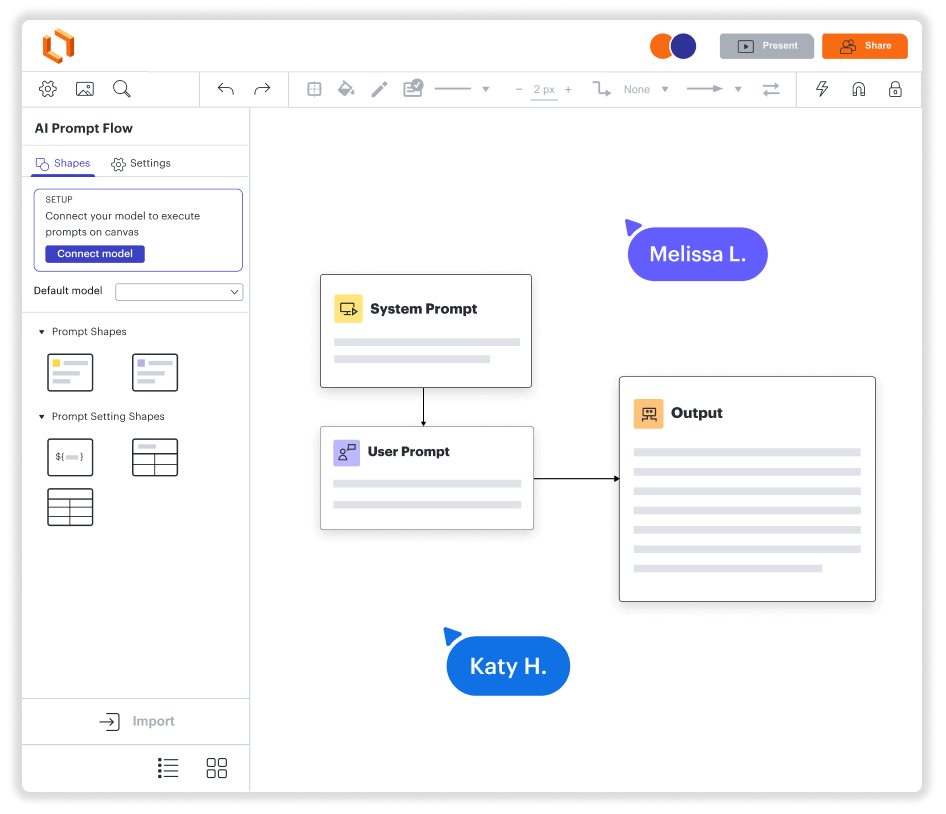
Схемы. Совместная работа. Визуализация данных. И всё это на одной платформе.
Быстрый старт на Mac, ПК и Linux
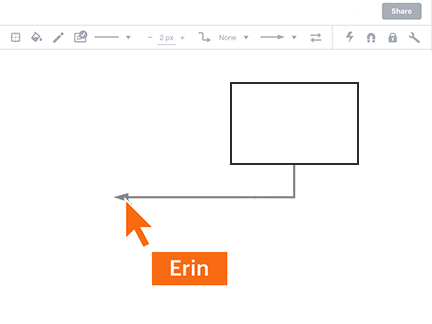
Совместная работа из любого уголка мира
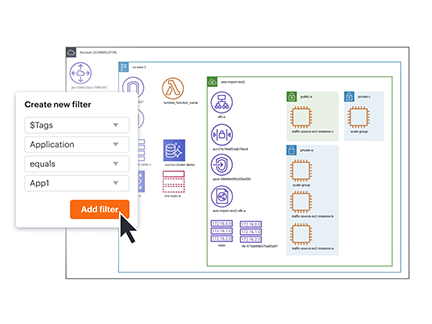
Ваши данные в моментальном контексте
Интеграция с приложениями на каждый день
Решение, которое растет вместе с вами
Как Lucidchart упростит ваш рабочий процесс
- Оптимизация бизнес-процессов
- Визуализация технических систем
- Мозговые штурмы с удаленными командами
- Дизайн, где в центре внимания — пользователь
- Оперативное проектирование и внедрение новых функций
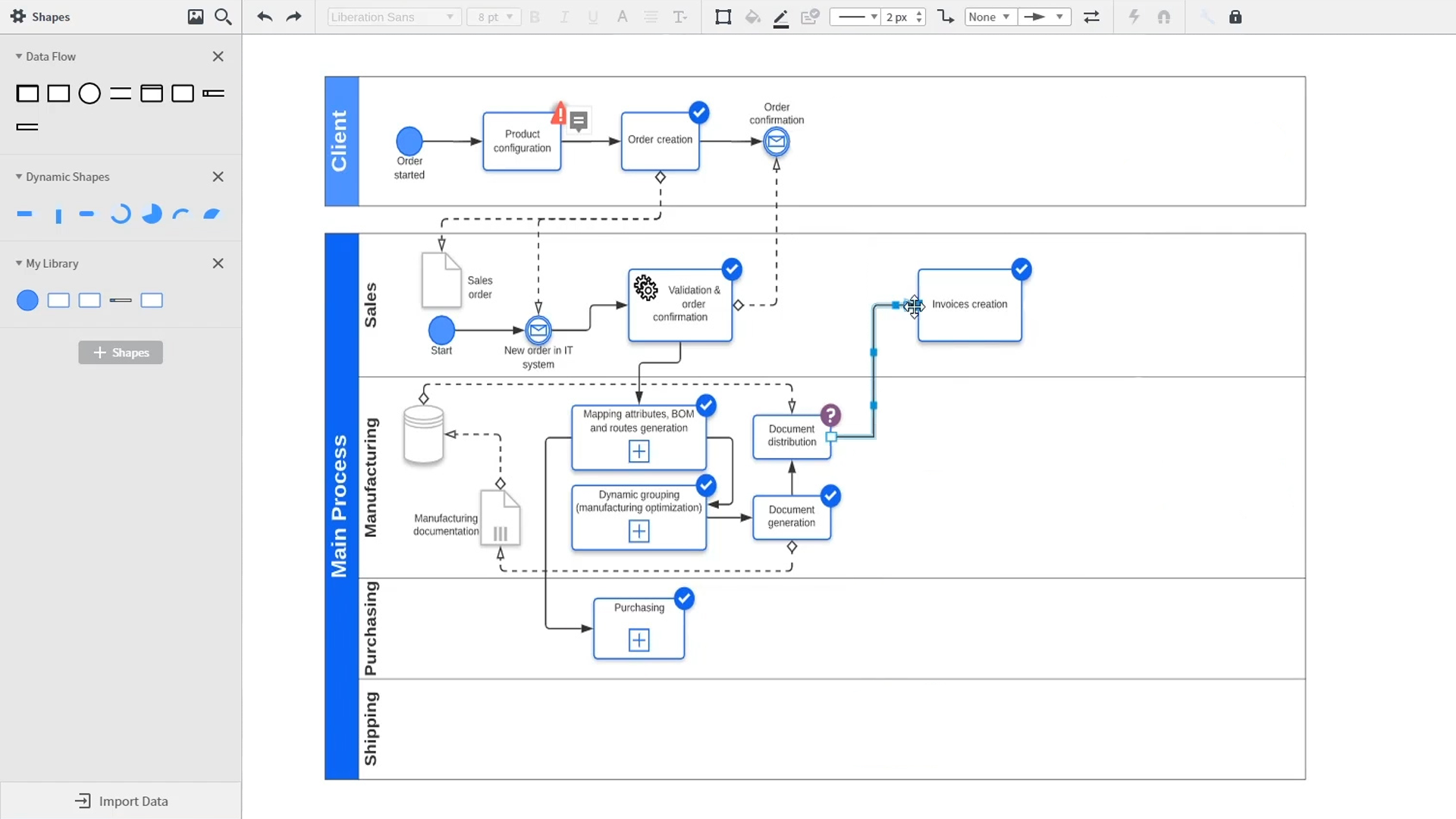
An introduction to intelligent diagramming in Lucidchart that demos key features like templates, shapes, integrations, conditional formatting, and commenting. Robyn, a Lucidchart user, adds shapes to her diagram and uses connectors to outline her processes. She then opens the embedded template library to look for templates that will give her a head start on her work. From network diagrams, to process maps, org charts and mind maps, the Lucidchart template library gives her many options to work with and insert into her canvas. Samalia, a second user, enters the shape library and looks through an extensive options list that includes shapes for floor plans, UML diagrams, entity relationships and more. She selects the UML diagram shape library and adds swimlanes to her document that highlight the various parties responsible for each part of the ordering process she is outlining. Lucidchart integrates with many of the applications you use in your daily work, including Salesforce, Microsoft Office 365, Jira, Confluence, AWS, Azure, Google Cloud, and Google Workplace. With close to 100 integrations available, the Lucid suite is made to work where you do. Connecting integrations is easy in the Lucid marketplace. The video returns to Robyn, who is sharing her document with a co-worker named Bill. They use the built-in commenting feature to review the instance she has created and toggle between the current and future state outlines of their workflow to bring clarity to the changes they will be making. Sam, Bill, Robyn and Samalia then add more shapes and connectors to their UML diagrams and mind maps to finish building out the future state architecture and stay aligned on their next steps. The video closes with an invitation to try Lucidchart for free by clicking the ‘Try it now’ button on the page.

«Lucidchart помогает нам визуально решать сложные задачи с помощью архитектурных диаграмм и блок-схем. Благодаря этому весь коллектив четко представляет, как обстоят дела с кодом и системами. <...> В совместном рабочем процессе могут одновременно участвовать сразу несколько человек, что изрядно упрощает жизнь распределенной команде».
- Toptal opt