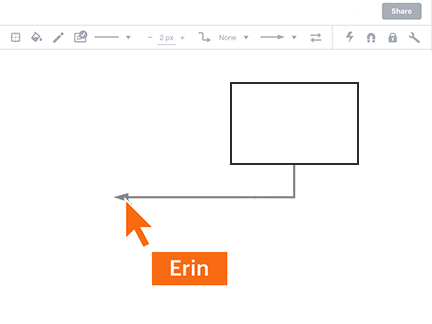
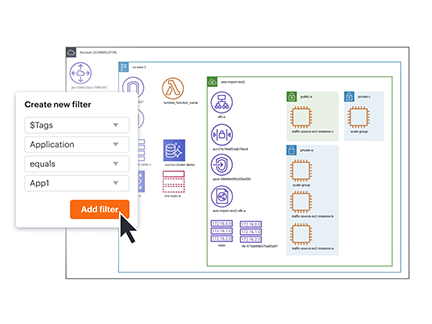
Crea diagrammi online di persone, processi e sistemi
Sfrutta le potenti funzionalità che aiuteranno il tuo team a comunicare idee complesse collaborando in tempo reale.



Registrandoti, accetti i nostri Termini di servizio e confermi di aver letto e compreso la nostra Informativa sulla privacy.
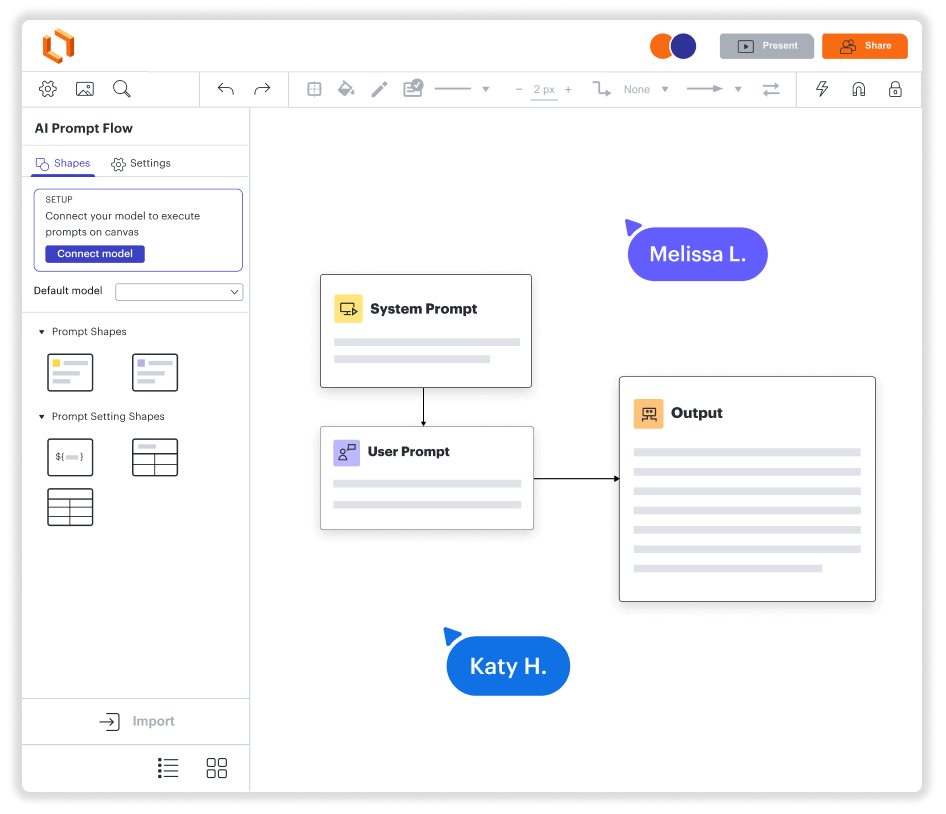
Crea diagrammi. Collabora. Visualizza dati. Tutto in un'unica piattaforma.
Inizia facilmente su Windows, Mac e Linux
Crea diagrammi insieme ad altri, ovunque tu sia
Visualizza i dati in contesto—istantaneamente
Integrazione con le app più utilizzate
Una soluzione scalabile come la tua azienda
Scopri come Lucidchart migliora il tuo modo di lavorare
- Ottimizza i processi aziendali.
- Visualizza i sistemi tecnici.
- Vai in brainstorming con i team in remoto.
- Progetta un'esperienza utente di livello superiore.
- Pianifica e implementa nuove funzionalità più velocemente.
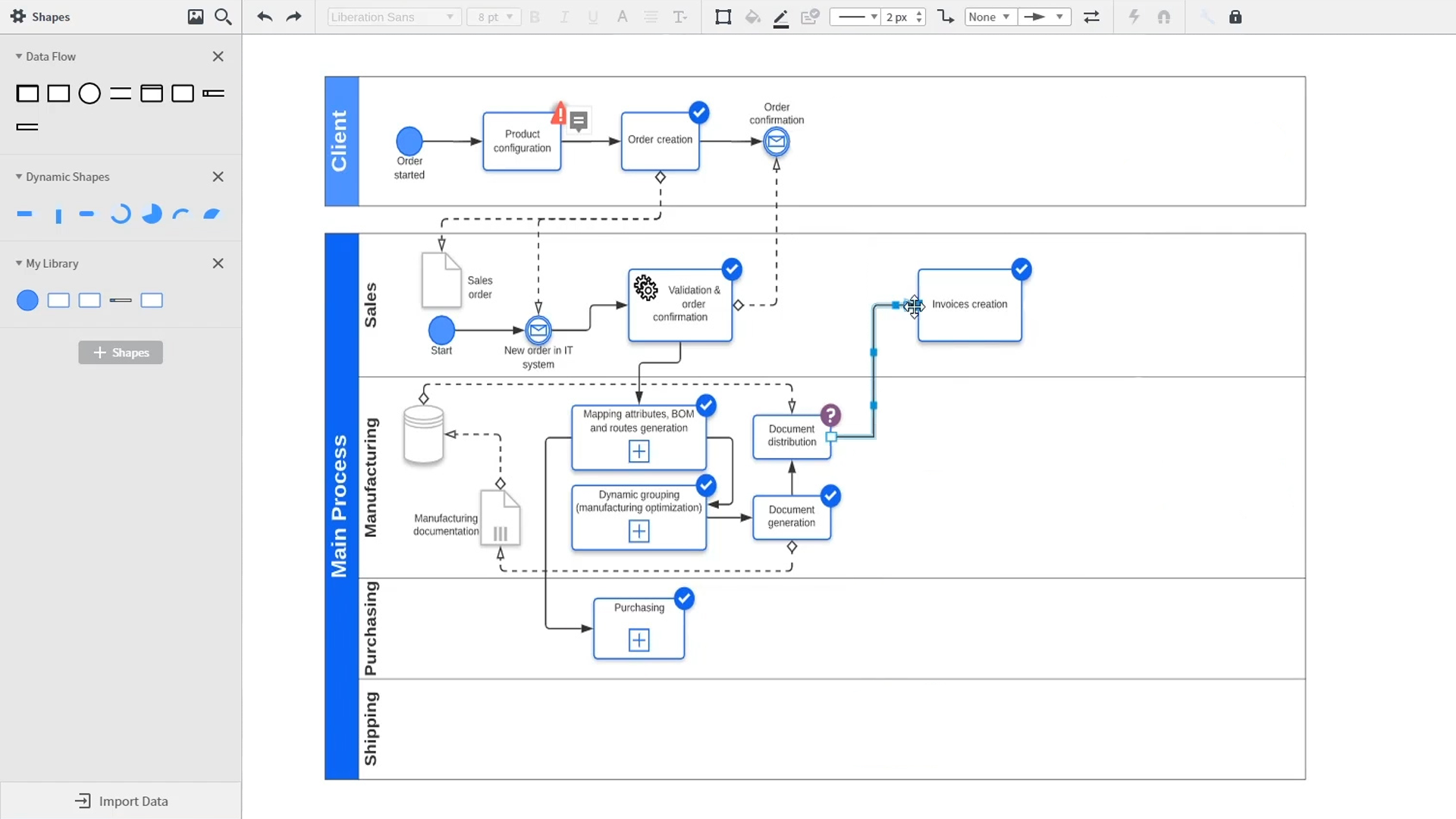
An introduction to intelligent diagramming in Lucidchart that demos key features like templates, shapes, integrations, conditional formatting, and commenting. Robyn, a Lucidchart user, adds shapes to her diagram and uses connectors to outline her processes. She then opens the embedded template library to look for templates that will give her a head start on her work. From network diagrams, to process maps, org charts and mind maps, the Lucidchart template library gives her many options to work with and insert into her canvas. Samalia, a second user, enters the shape library and looks through an extensive options list that includes shapes for floor plans, UML diagrams, entity relationships and more. She selects the UML diagram shape library and adds swimlanes to her document that highlight the various parties responsible for each part of the ordering process she is outlining. Lucidchart integrates with many of the applications you use in your daily work, including Salesforce, Microsoft Office 365, Jira, Confluence, AWS, Azure, Google Cloud, and Google Workplace. With close to 100 integrations available, the Lucid suite is made to work where you do. Connecting integrations is easy in the Lucid marketplace. The video returns to Robyn, who is sharing her document with a co-worker named Bill. They use the built-in commenting feature to review the instance she has created and toggle between the current and future state outlines of their workflow to bring clarity to the changes they will be making. Sam, Bill, Robyn and Samalia then add more shapes and connectors to their UML diagrams and mind maps to finish building out the future state architecture and stay aligned on their next steps. The video closes with an invitation to try Lucidchart for free by clicking the ‘Try it now’ button on the page.

“Lucidchart ci aiuta a risolvere visivamente problemi complessi creando diagrammi di architetture e di flusso che fanno chiarezza e aiutano il nostro team distribuito a velocizzarsi su codebase e sistemi. ... Consente a diversi membri del team di collaborare contemporaneamente, semplificando il lavoro in un team completamente distribuito.
- Toptal opt