Lucidchart でできること
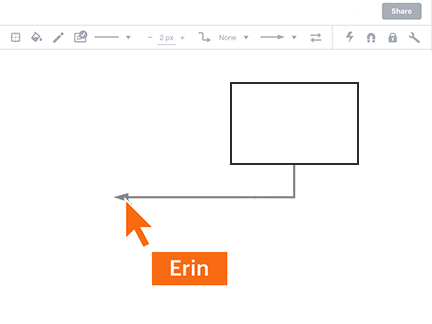
テレワークでも、オフィスからでも、このグループウェアでチームと共同に業務プロセスを見える化、改善。



登録することにより、当社のサービス利用規約に同意され、また当社のプライバシーポリシーを確認の上理解されたものと見なします。
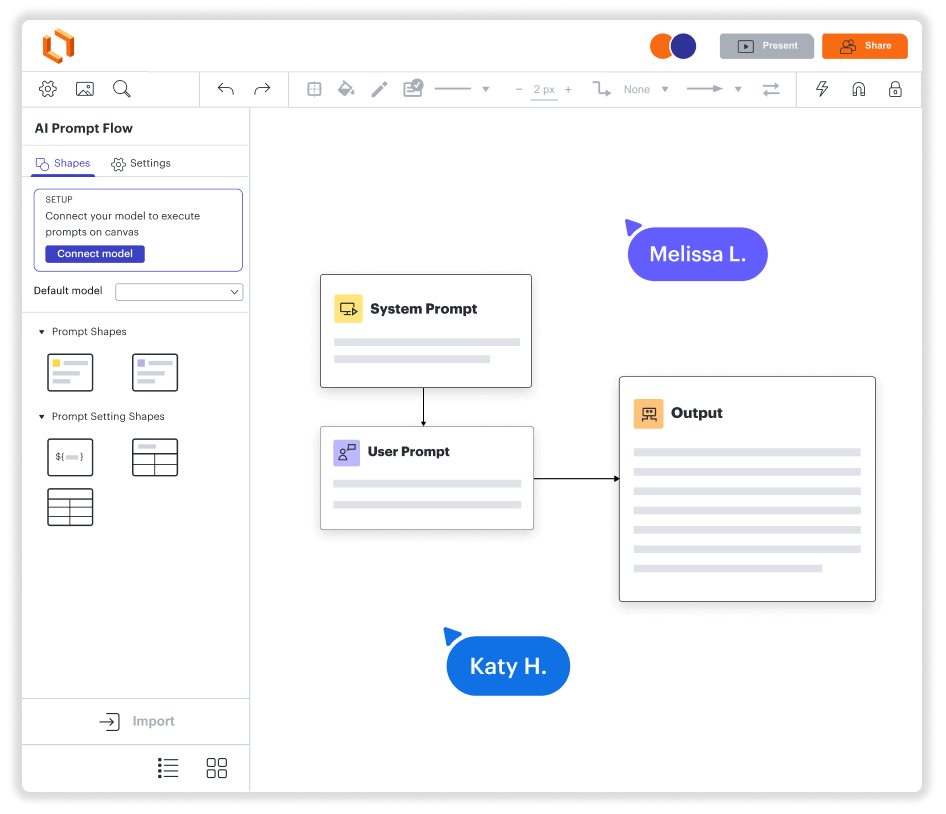
資料の作成、情報共有、業務フロー可視化を、すべてこのグループウェアで実現。
全てのデバイス対応グループウェア
チームと同時作業、情報共有も簡単
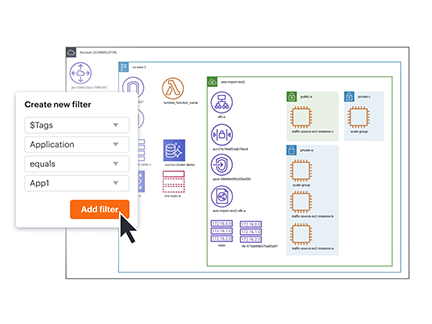
データや情報の可視化を一瞬で可能に
外部アプリ連携対応
会社の成長に合わせてスケールアップできるグループウェア
Lucidchart で働き方改革の実現を
- 社内のプロセスを見える化
- 技術的なITシステムを視覚化
- どこからでもチームとブレインストーミング
- 優れたユーザーエクスペリエンスを設計
- 次世代のグループウェアで業務を効率化
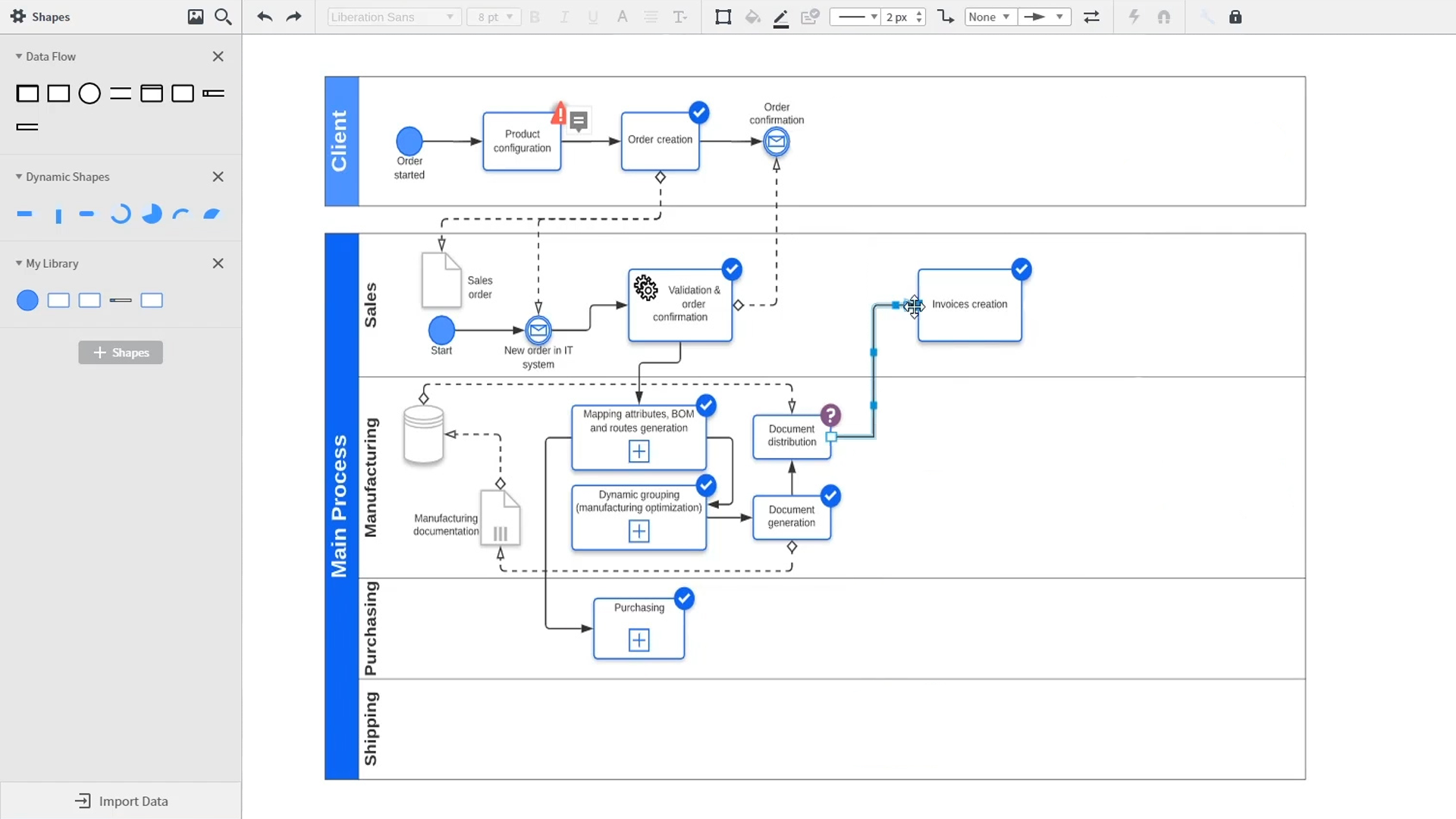
An introduction to intelligent diagramming in Lucidchart that demos key features like templates, shapes, integrations, conditional formatting, and commenting. Robyn, a Lucidchart user, adds shapes to her diagram and uses connectors to outline her processes. She then opens the embedded template library to look for templates that will give her a head start on her work. From network diagrams, to process maps, org charts and mind maps, the Lucidchart template library gives her many options to work with and insert into her canvas. Samalia, a second user, enters the shape library and looks through an extensive options list that includes shapes for floor plans, UML diagrams, entity relationships and more. She selects the UML diagram shape library and adds swimlanes to her document that highlight the various parties responsible for each part of the ordering process she is outlining. Lucidchart integrates with many of the applications you use in your daily work, including Salesforce, Microsoft Office 365, Jira, Confluence, AWS, Azure, Google Cloud, and Google Workplace. With close to 100 integrations available, the Lucid suite is made to work where you do. Connecting integrations is easy in the Lucid marketplace. The video returns to Robyn, who is sharing her document with a co-worker named Bill. They use the built-in commenting feature to review the instance she has created and toggle between the current and future state outlines of their workflow to bring clarity to the changes they will be making. Sam, Bill, Robyn and Samalia then add more shapes and connectors to their UML diagrams and mind maps to finish building out the future state architecture and stay aligned on their next steps. The video closes with an invitation to try Lucidchart for free by clicking the ‘Try it now’ button on the page.

Lucidchart を活用することによって、仕様書内にある図やフローを仕様と一緒に表示し、管理することができます。他のソフトを使っていた時には、わざわざ仕様書をエクスポートし、別のファイルサーバーにおける管理が必要であったためできなかったことです。このように仕様の容易な共有と管理が可能になったことにより、チームが非常に効率的に作業することが可能になりました。
- Toptal