Maak diagrammen van je mensen, processen en systemen
Krachtige functies waarmee uw team in real time kan samenwerken om complexe ideeën te communiceren.



Door te registreren ga je akkoord met onze Servicevoorwaarden en bevestig je dat je ons Privacybeleid gelezen hebt en begrijpt.
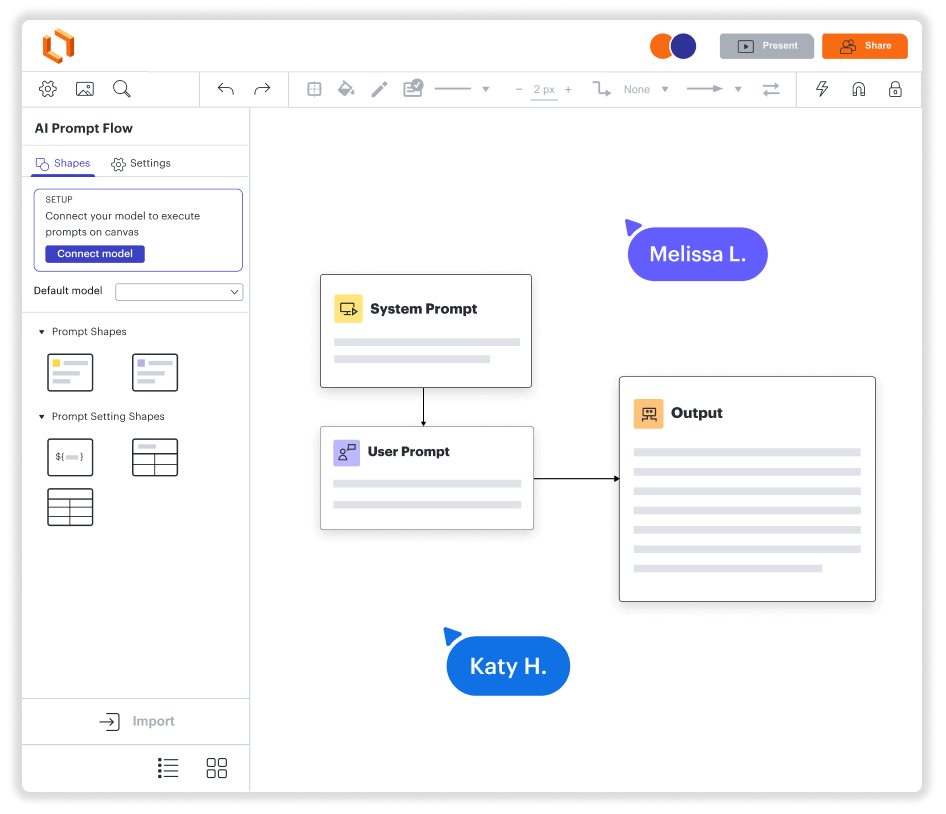
Diagrammen maken. Samenwerken. Gegevens visualiseren. En dat alles op één platform.
Gemakkelijk aan de slag op pc, Mac en Linux
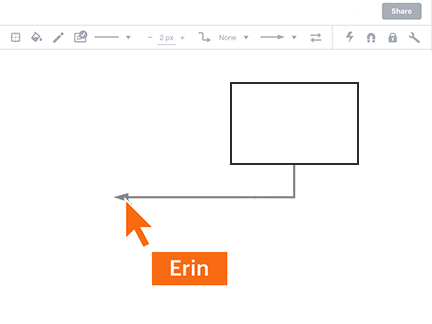
Maak samen diagrammen, waar je ook bent
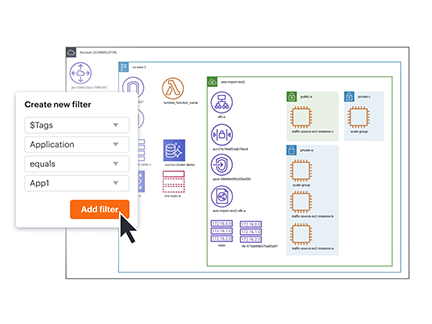
Bekijk gegevens onmiddellijk in hun context
Integratie met je meestgebruikte apps
Een oplossing die meegroeit met je bedrijf
Ontdek hoe je beter werkt met Lucidchart
- Optimaliseer bedrijfsprocessen.
- Visualiseer technische systemen.
- Brainstorm met teams op afstand.
- Ontwerp een betere gebruikerservaring.
- Plan en implementeer nieuwe functies sneller.
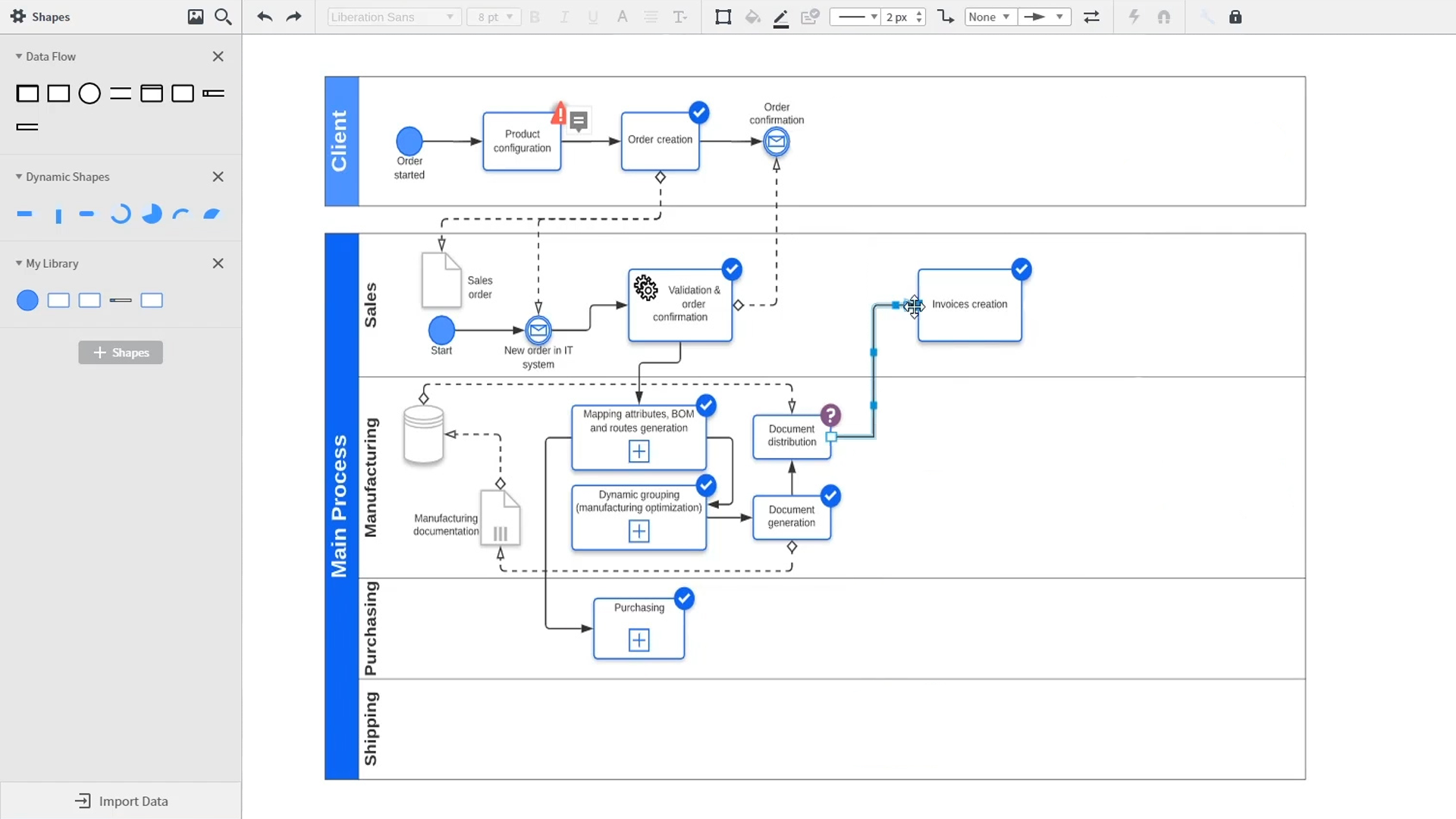
An introduction to intelligent diagramming in Lucidchart that demos key features like templates, shapes, integrations, conditional formatting, and commenting. Robyn, a Lucidchart user, adds shapes to her diagram and uses connectors to outline her processes. She then opens the embedded template library to look for templates that will give her a head start on her work. From network diagrams, to process maps, org charts and mind maps, the Lucidchart template library gives her many options to work with and insert into her canvas. Samalia, a second user, enters the shape library and looks through an extensive options list that includes shapes for floor plans, UML diagrams, entity relationships and more. She selects the UML diagram shape library and adds swimlanes to her document that highlight the various parties responsible for each part of the ordering process she is outlining. Lucidchart integrates with many of the applications you use in your daily work, including Salesforce, Microsoft Office 365, Jira, Confluence, AWS, Azure, Google Cloud, and Google Workplace. With close to 100 integrations available, the Lucid suite is made to work where you do. Connecting integrations is easy in the Lucid marketplace. The video returns to Robyn, who is sharing her document with a co-worker named Bill. They use the built-in commenting feature to review the instance she has created and toggle between the current and future state outlines of their workflow to bring clarity to the changes they will be making. Sam, Bill, Robyn and Samalia then add more shapes and connectors to their UML diagrams and mind maps to finish building out the future state architecture and stay aligned on their next steps. The video closes with an invitation to try Lucidchart for free by clicking the ‘Try it now’ button on the page.

"Lucidchart helpt ons complexe problemen op een visuele manier op te lossen met duidelijke architectuurdiagrammen en stroomdiagrammen en helpt ons gedistribueerde team snel vertrouwd te maken met codebases en systemen. ... Zelfs met een team dat vanuit allerlei locaties werkt, is het gemakkelijk om in real time samen te werken.
- Toptal opt