Diagrame seus colaboradores, processos e sistemas
Use recursos abrangentes para ajudar sua equipe a comunicar ideias complexas e colaborar em tempo real.



Ao se registrar, você concorda com nossos Termos de Serviço e reconhece que leu e entendeu nossa Política de Privacidade.
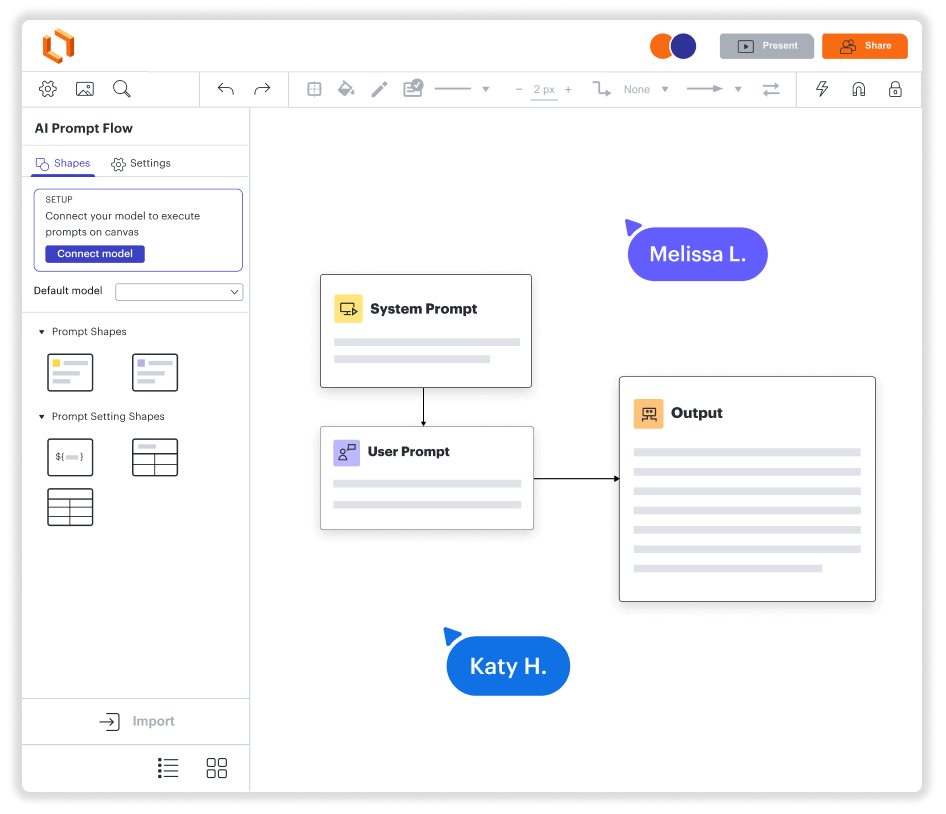
Crie diagramas, colabore e visualize dados. Tudo em uma única plataforma.
Use Windows, Mac ou Linux
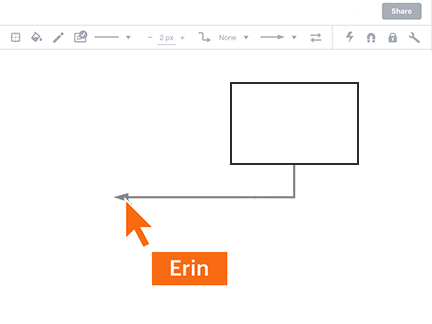
Diagramem juntos e de qualquer lugar
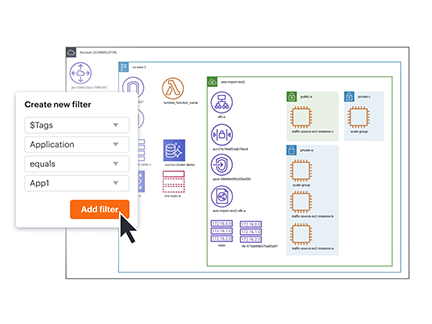
Veja seus dados em contexto instantaneamente
Integrações com seus aplicativos favoritos
Uma solução que cresce junto com sua empresa
Veja como o Lucidchart melhora sua maneira de trabalhar
- Otimize os processos de negócios.
- Visualize sistemas técnicos.
- Faça reuniões e debates com equipes remotas.
- Crie uma experiência de usuário avançada.
- Planeje e implemente novos recursos mais rapidamente.
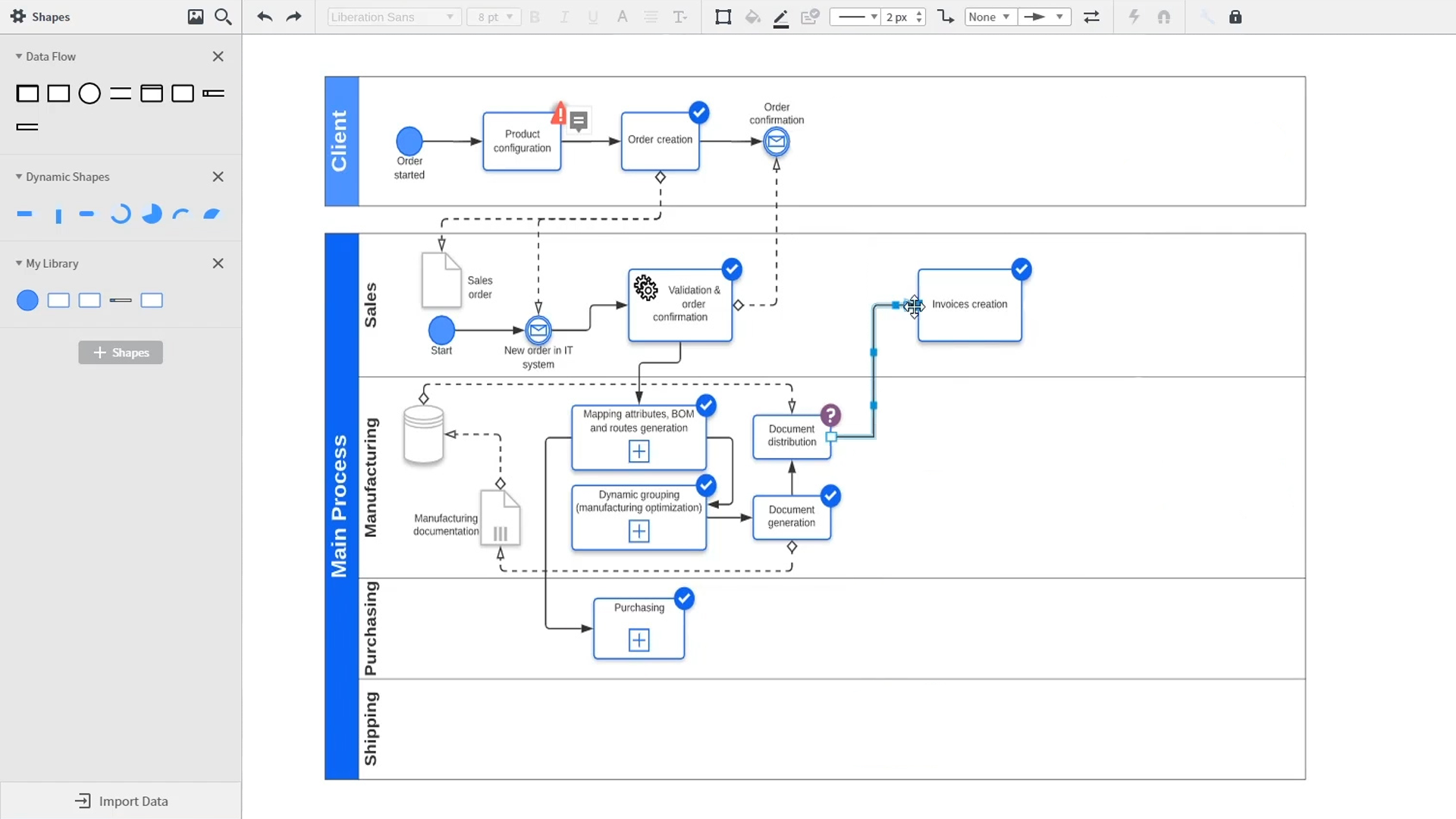
An introduction to intelligent diagramming in Lucidchart that demos key features like templates, shapes, integrations, conditional formatting, and commenting. Robyn, a Lucidchart user, adds shapes to her diagram and uses connectors to outline her processes. She then opens the embedded template library to look for templates that will give her a head start on her work. From network diagrams, to process maps, org charts and mind maps, the Lucidchart template library gives her many options to work with and insert into her canvas. Samalia, a second user, enters the shape library and looks through an extensive options list that includes shapes for floor plans, UML diagrams, entity relationships and more. She selects the UML diagram shape library and adds swimlanes to her document that highlight the various parties responsible for each part of the ordering process she is outlining. Lucidchart integrates with many of the applications you use in your daily work, including Salesforce, Microsoft Office 365, Jira, Confluence, AWS, Azure, Google Cloud, and Google Workplace. With close to 100 integrations available, the Lucid suite is made to work where you do. Connecting integrations is easy in the Lucid marketplace. The video returns to Robyn, who is sharing her document with a co-worker named Bill. They use the built-in commenting feature to review the instance she has created and toggle between the current and future state outlines of their workflow to bring clarity to the changes they will be making. Sam, Bill, Robyn and Samalia then add more shapes and connectors to their UML diagrams and mind maps to finish building out the future state architecture and stay aligned on their next steps. The video closes with an invitation to try Lucidchart for free by clicking the ‘Try it now’ button on the page.

“O Lucidchart nos ajuda a solucionar problemas complexos de forma visual. Podemos criar diagramas e fluxogramas arquitetônicos que oferecem clareza e ajudam as nossas diversas equipes a ficarem em dia rapidamente com os sistemas e base de códigos. ... O Lucidchart permite que nossa equipe colabore à distância e em tempo real.
- Toptal opt