Create process maps and flowcharts
Build collaboratively with your team. Use Lucidchart to document complex systems and processes, define next steps, and create a single source of truth.
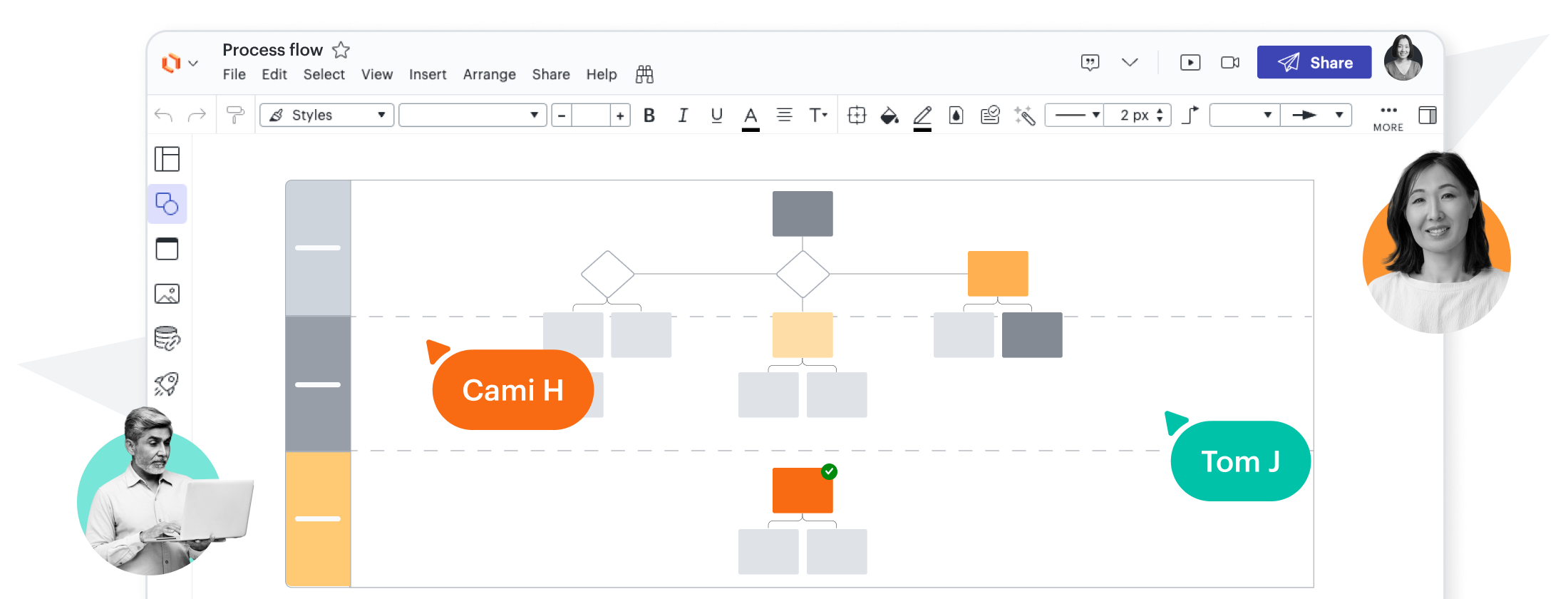

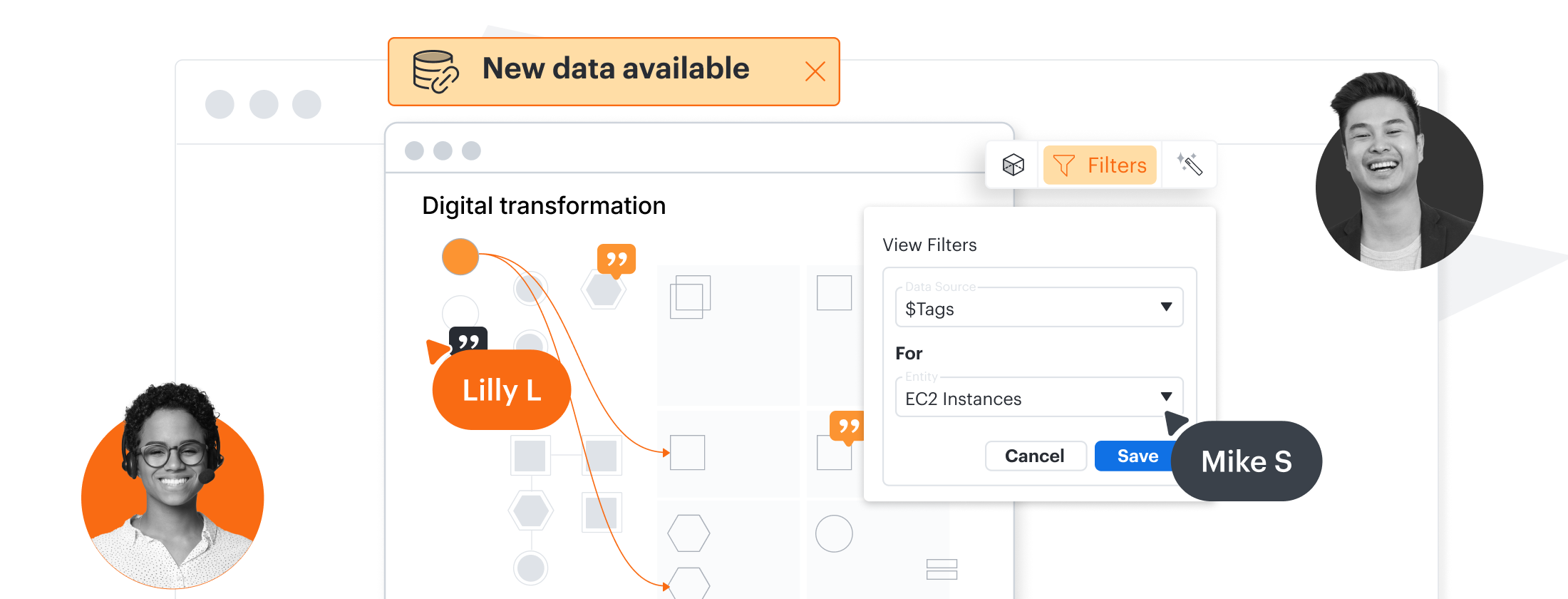
Document complex systems and processes
Improve your team’s shared understanding by creating visual documentation that’s easy to follow.
The perfect toolkit for visualizing your business

Simplify process design
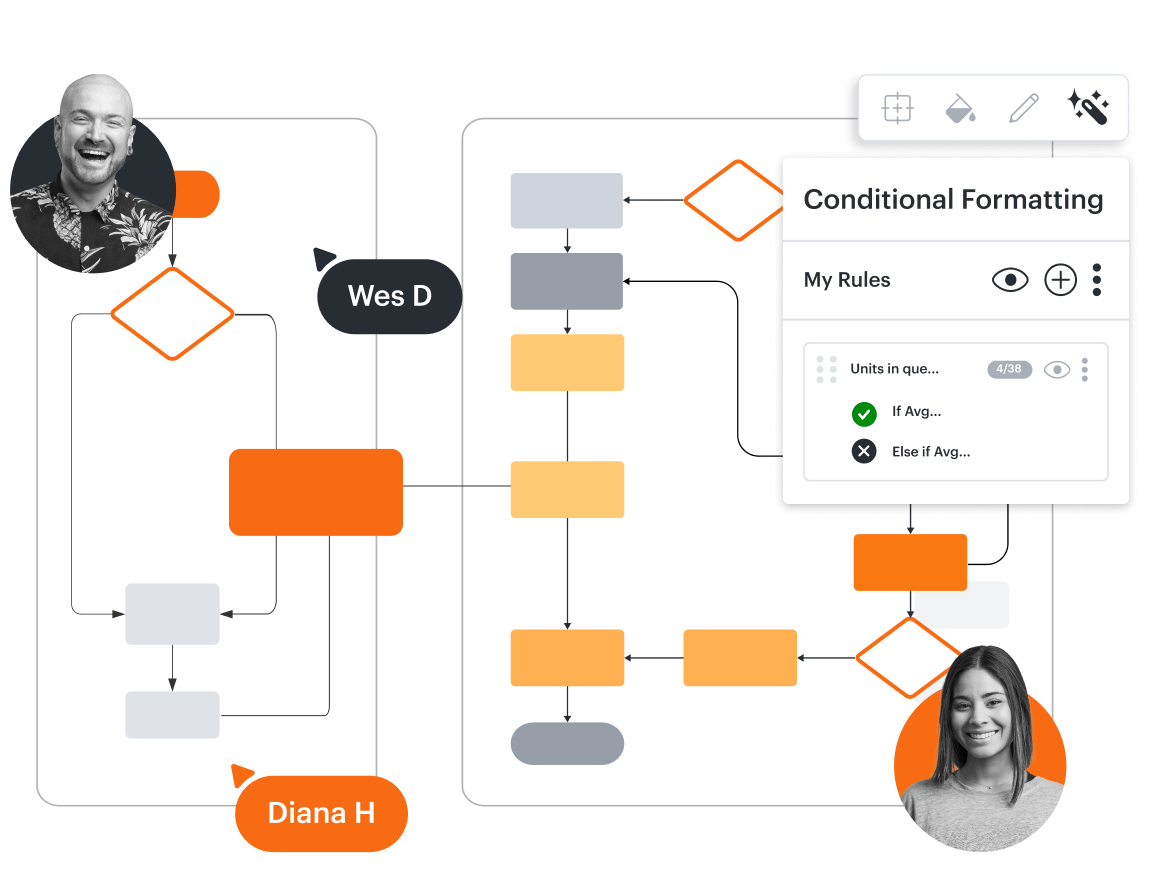
Optimize every process
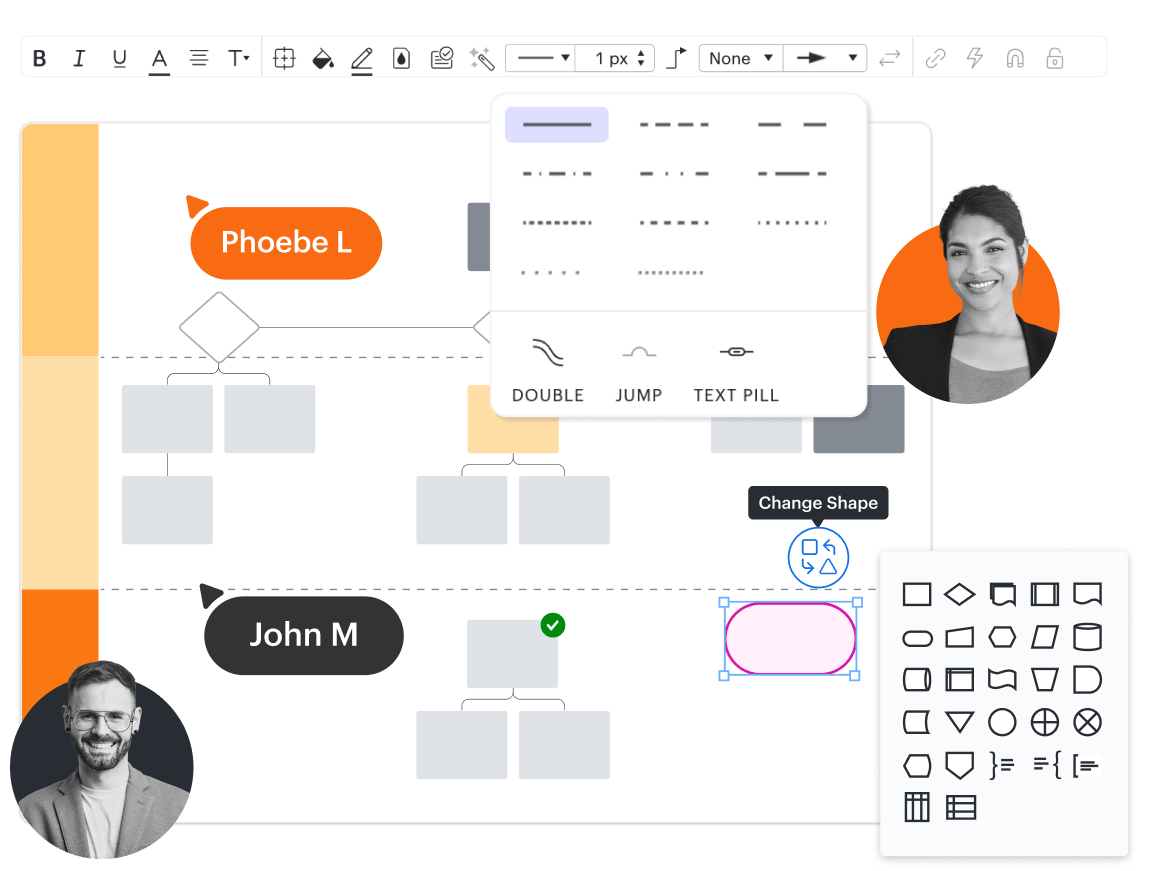
Diagram with ease
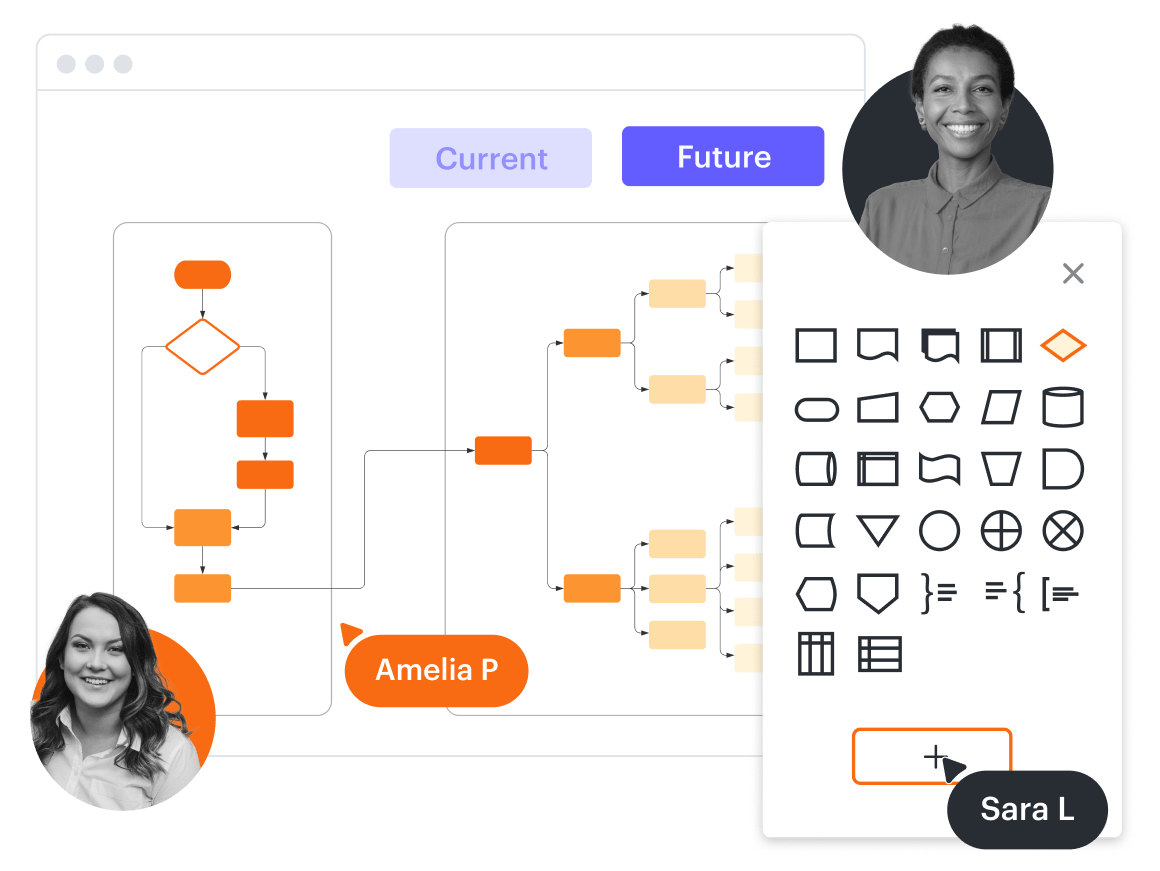
Adjust on the fly

Create AI-powered flowcharts
Features for creating process maps and flowcharts
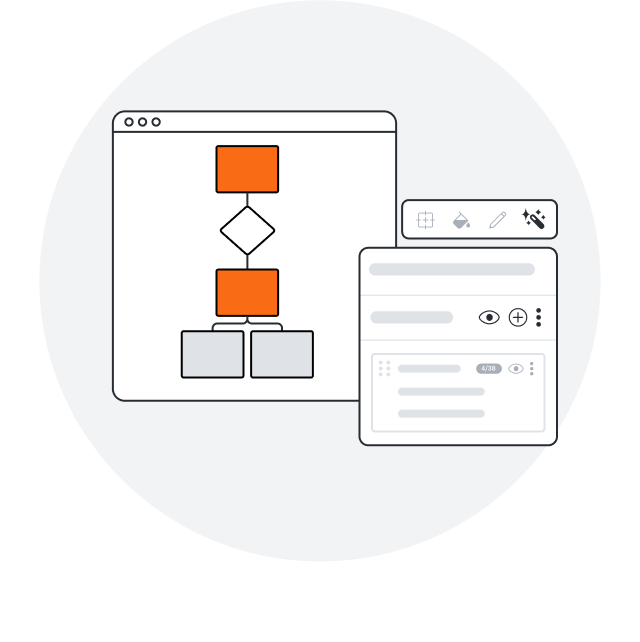
Conditional formatting
Transform data by visually highlighting patterns and insights for quick comprehension at a glance.
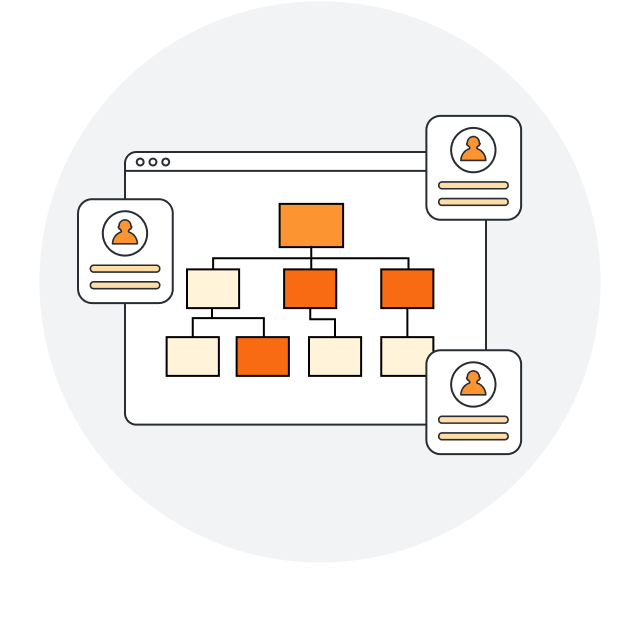
Real-time collaboration
Streamline work by enabling multiple collaborators to create and edit the same diagram at once.
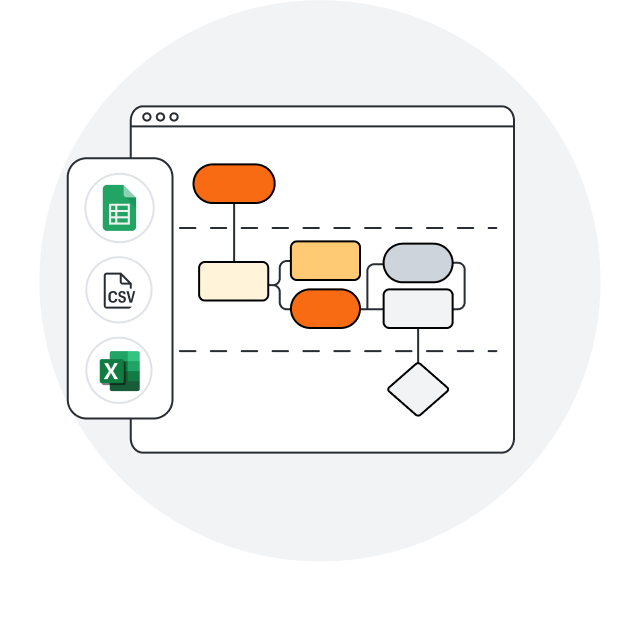
Data linking
Create accurate diagrams faster by linking shapes to data from Google Sheets, Excel, or CSV files.
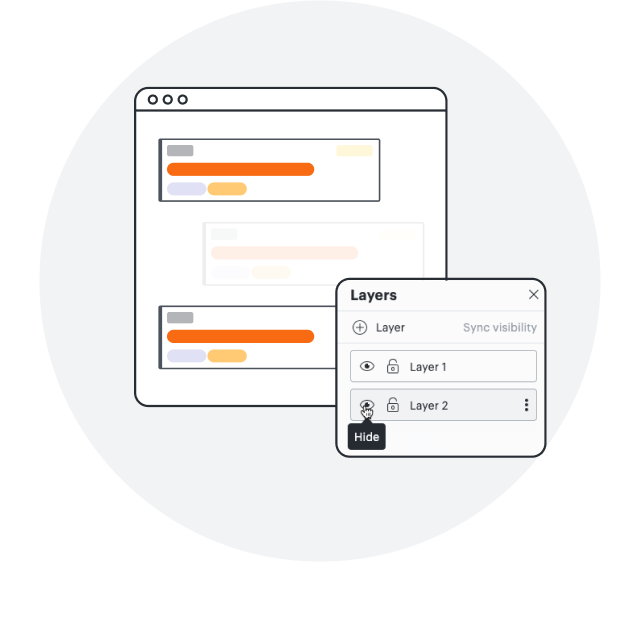
Layers
Add layers to visualizations for multiple levels, distinct visibility controls, and streamlined editing.
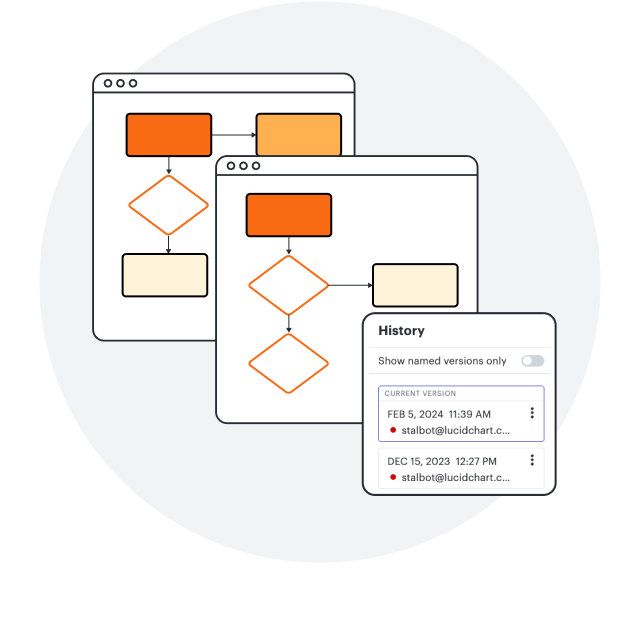
Revision history
Collaborate confidently—view changes, revert to prior versions, and ensure diagrams are up to date.
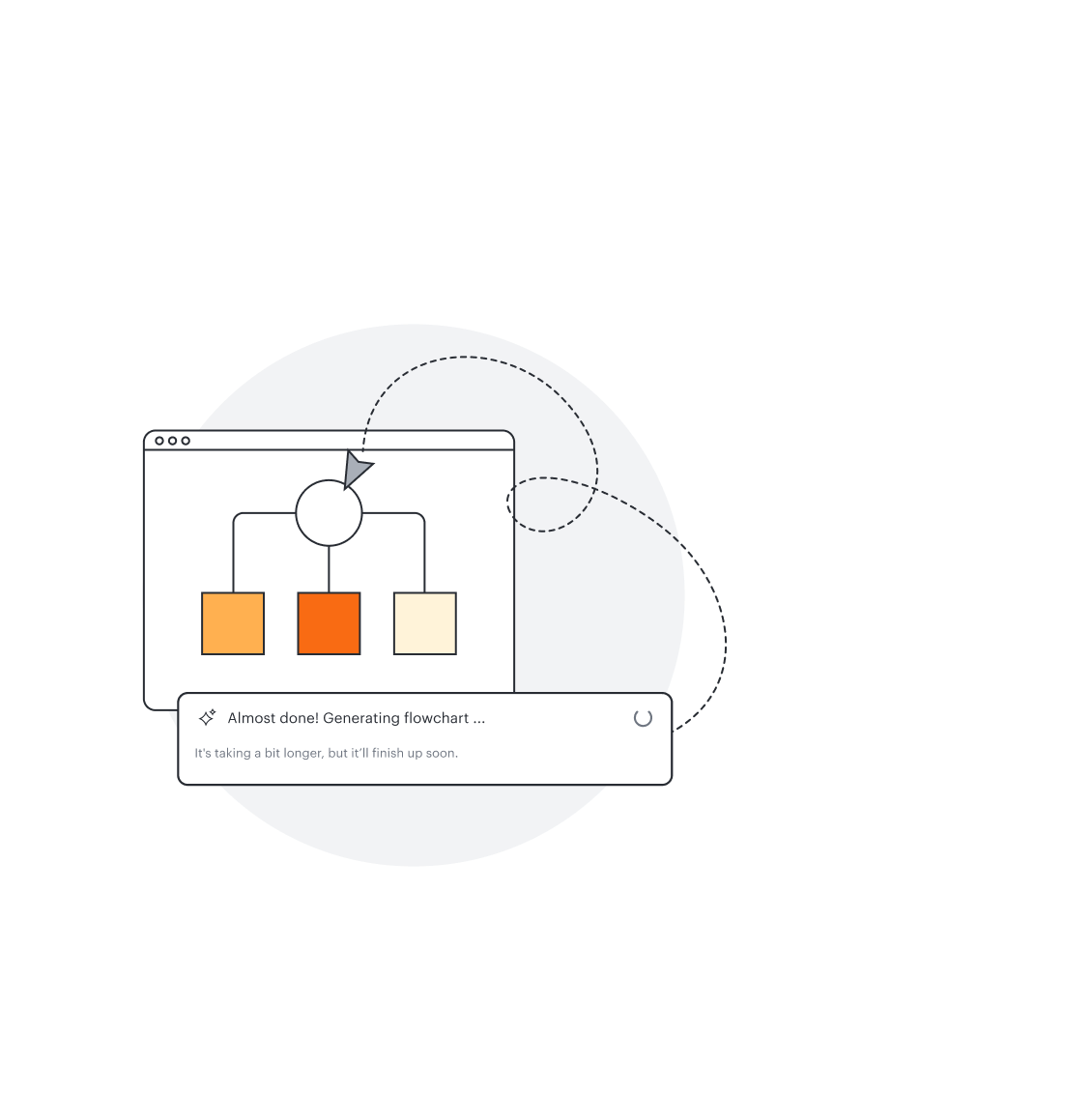
Diagram as code
Save time and eliminate errors by producing a custom process map or flowchart with Mermaid coding.
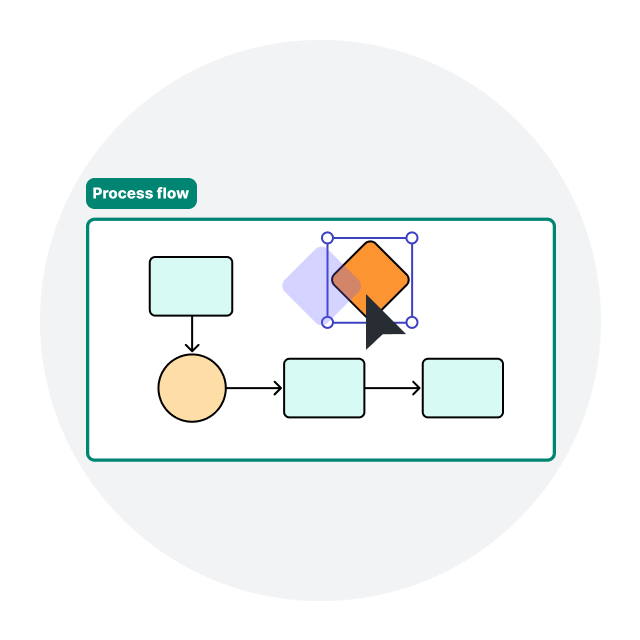
Assisted layout
Organize content into Containers, Frames, and swimlanes with one click. Align objects automatically.
Integrations with leading apps
Streamline your team’s workflows by connecting Lucidchart with these featured apps—and many more.

Jira
Embed diagrams and other visual documentation in Jira tasks, projects, or issues to keep everyone aligned.

Notion
Create a single source of truth by embedding Lucidchart documents in your Notion pages.

Salesforce
Use Lucidchart’s exclusive Salesforce shapes and templates to standardize documentation.